Home> Products> 3D Printing Pen> 3D Pen Set for Kids Easy to Use
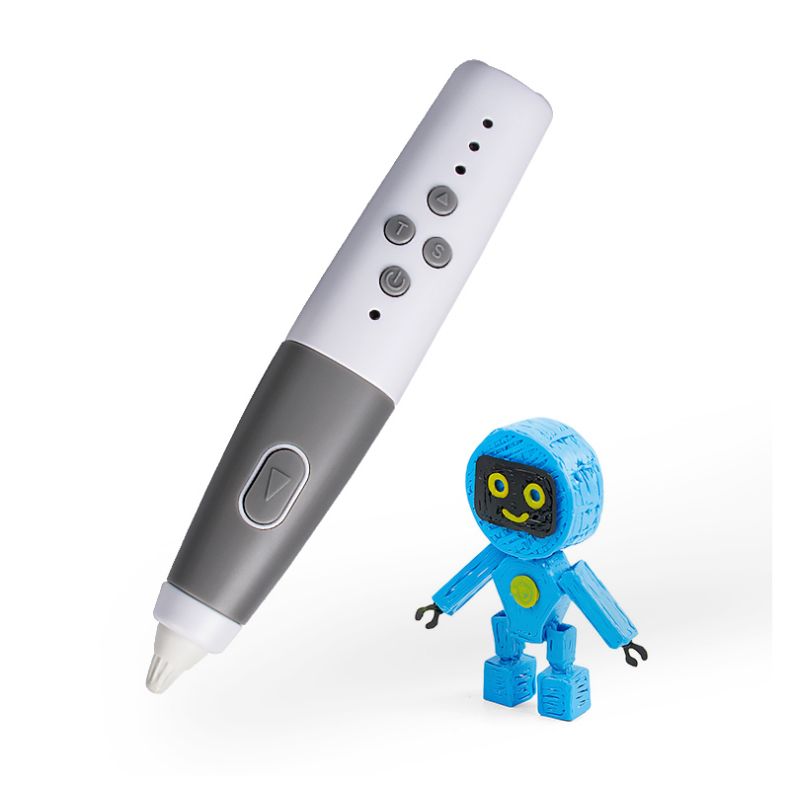
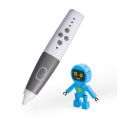
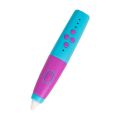
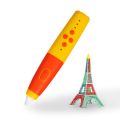
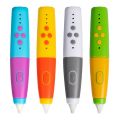
3D Pen Set for Kids Easy to Use

3D Pen Set for Kids Easy to Use

Get Latest Price
Payment Type:T/T,Paypal
Incoterm:FOB,EXW,FCA,DDP
Min. Order:1 Set/Sets
Transportation:Ocean,Land,Air,Express
Port:shenzhen,guangzhou
Product Attributes

Brand: xinzerong

Certification: En71, Ce, Ul, Ccc

Age Range: 5 To 7 Years, 8 To 13 Years, 14 Years &Amp; Up

Species: Drawing Board, Drawing Toys Set

Material: Paper, Plastic

Place Of Origin: China

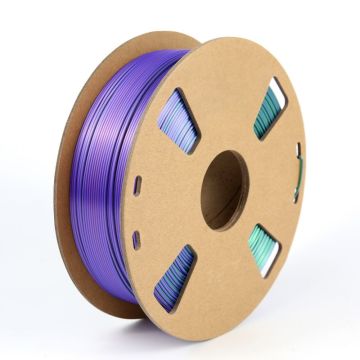
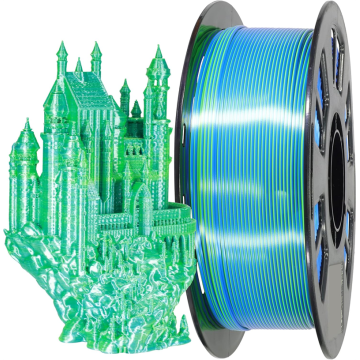
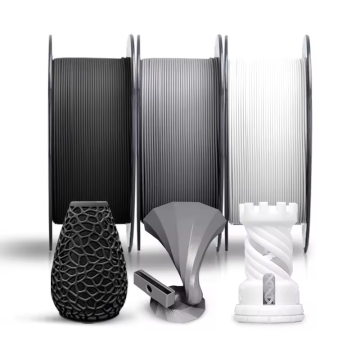
Printing Material: pcl filament

Nozzle Diameter: 0.7mm

Print Speed: adjustable

Print Head: 60-100

Certificate: CE ROSH FCC

Warranty: 1 YEAR

OEM/ODM: Yes

Print Dimension: unlimited

Automatic Grade: Automatic

Weight: 0.46KG

Packaging & Delivery
Selling Units : Set/Sets
Package Type : oem box or gift box

The file is encrypted. Please fill in the following information to continue accessing it

LP02 3D PEN 3D Printing Pen for Kids
3D Pen Video 1
Product Description
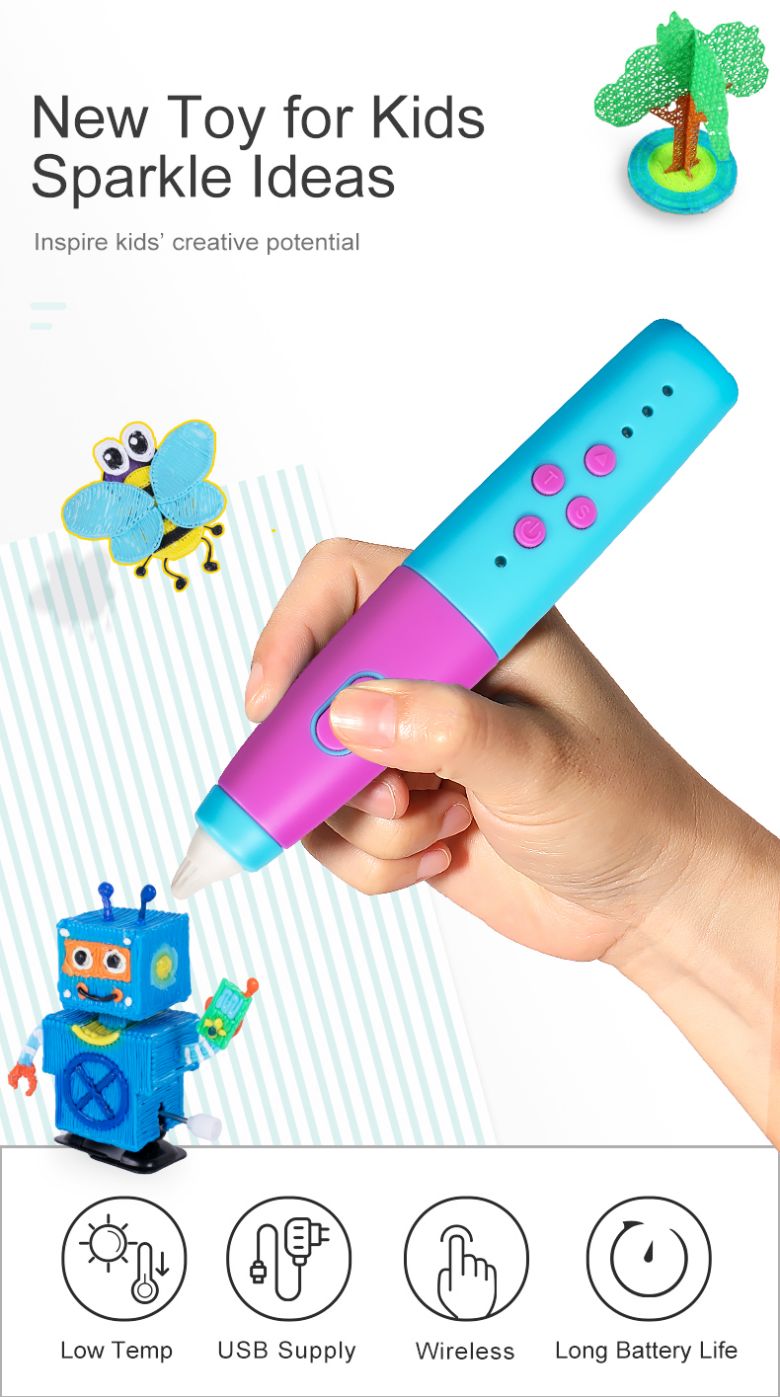
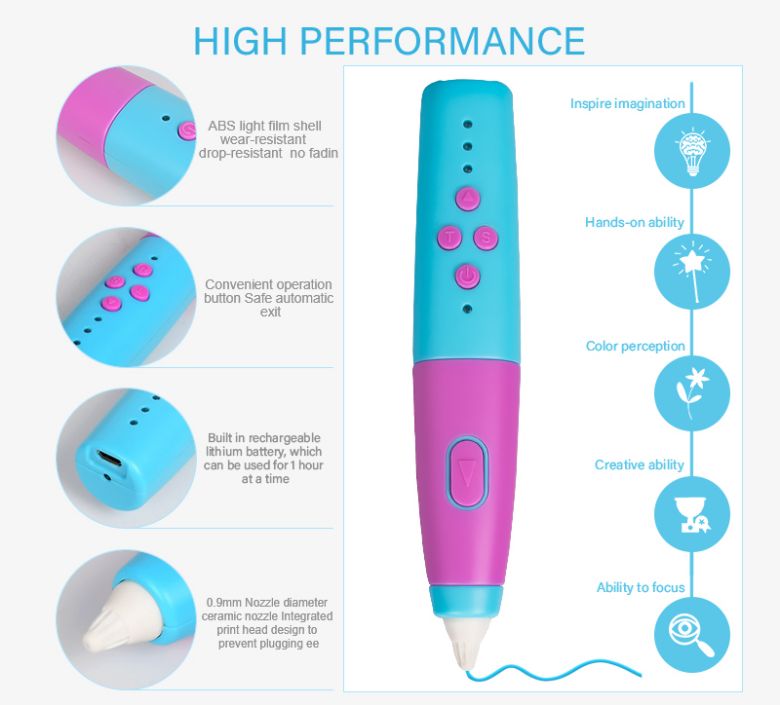
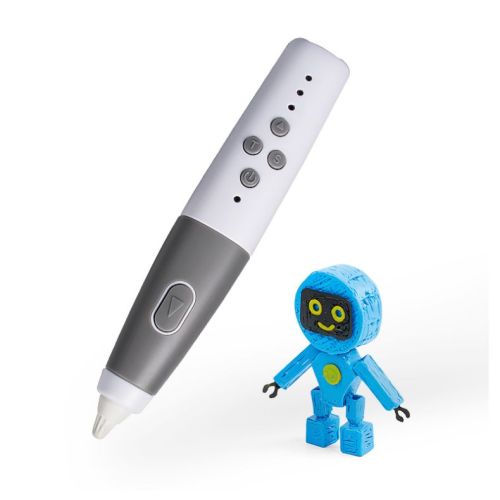
A 3D Printing Pen, also known as a 3D hot air pen or a 3D drawing pen, is a device that allows users to create three-dimensional objects by extruding plastic filament from the tip of the pen. The pen heats up a plastic rod, melts it, and then the user can draw or sculpt in mid-air, or on a surface, to create a 3D object.
 
3D printing pens are often used for educational purposes, allowing students to visualize and manipulate 3D shapes, as well as for artistic projects, product prototyping, and DIY home decor. They are typically portable and easy to use, requiring no complex setup or software.This low temperature 3D Pen use with PCL Filament not suitable with PLA Filament or ABS Filament.
 
Operation
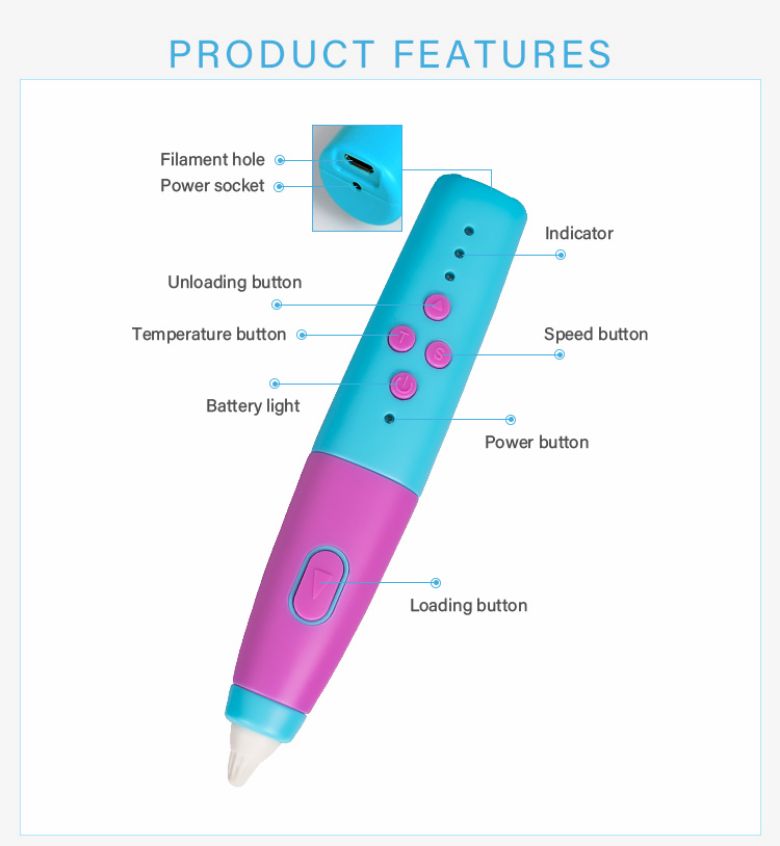
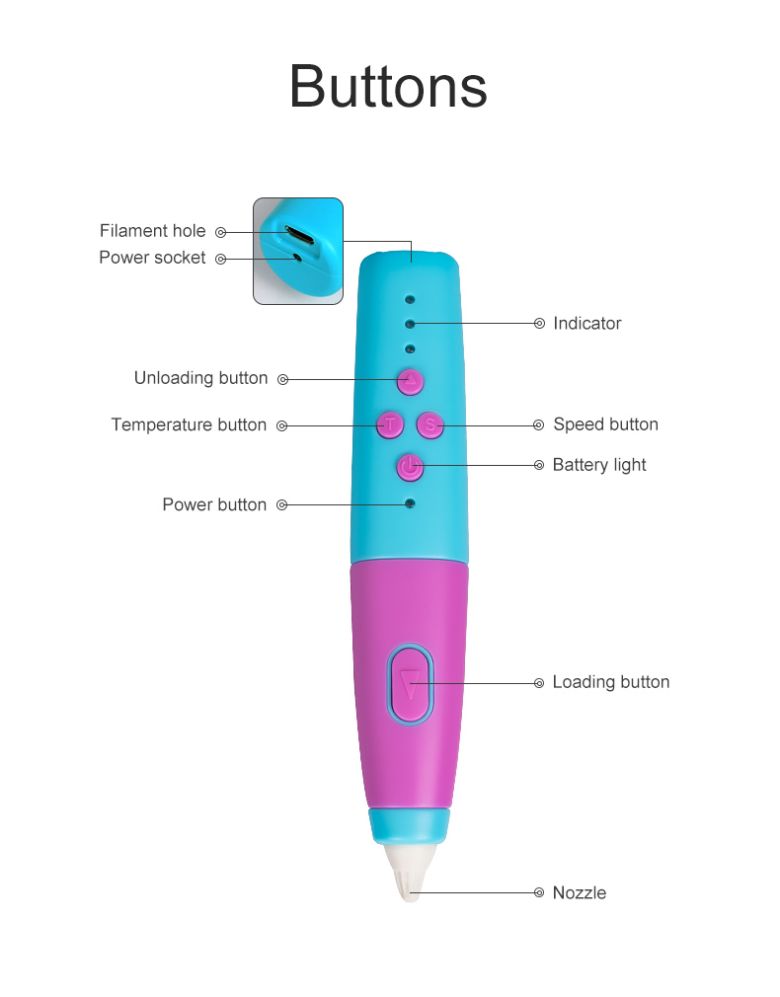
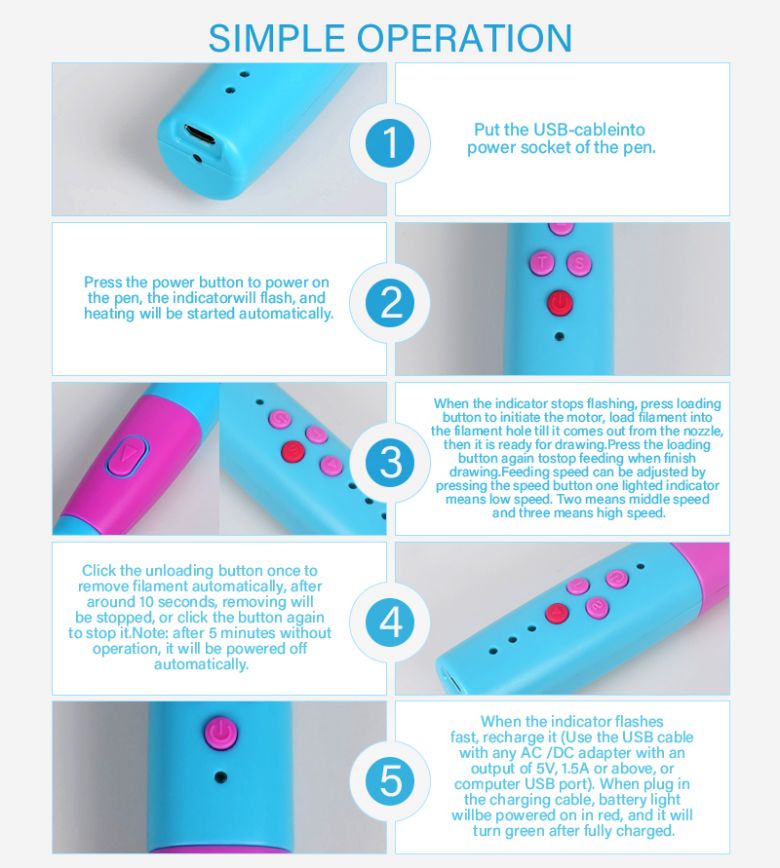
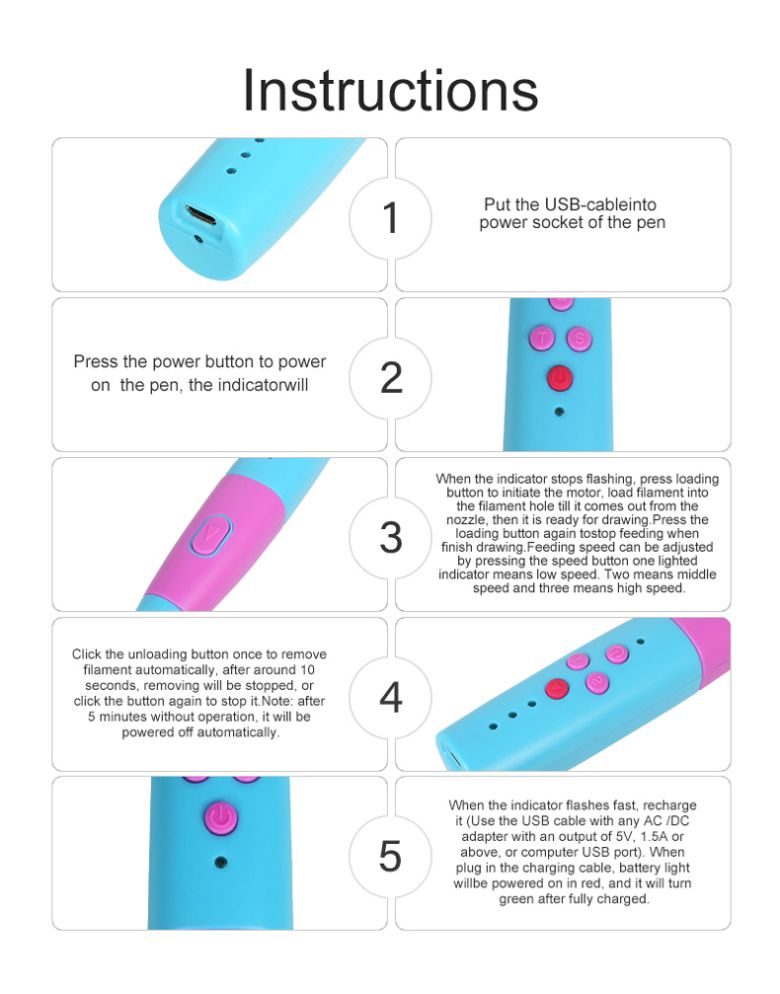
1.Put the USB-cableintopower socket of the pen
2.Press the power button to poweron the pen, the indicatorwill
3.When the indicator stops fashing. press loadingbutton to initiate the motor,load filament intothe filament hole till it comes out from thenozzle,then it is ready for drawing.Press theoadina button aaaln tostop feedina whenfinish drawing.Feeding speed can be adjustedby pressing the speed button one lightedindicator means low speed.Two means middlespeed and three means high speed
4.Click the unloading button once to removefilament automatically, after around 10seconds,removing will be stopped,orclick the button again to stop it.Note: afte!5 minutes without operation. it will bepowered off automatically.
5.When the indicator flashes fast, rechargeit (Use the UsB cable with any AC /DCadapter with an outout of 5v,1.5A orabove.or computerUSB port).Vhenplug in the charging cable, battery lightwillbe powered on in red, and it will turngreen after fully charged.
 
3D Pen for kids toy (2)3D Pen for kids toy (1)3D Pen for kids toy (6)3D Pen for kids toy (3)3D Pen for kids toy (8)3D Pen for kids toy (5)3D Pen for kids toy (4)3D Pen for kids toy (7)
3D PEN
Home> Products> 3D Printing Pen> 3D Pen Set for Kids Easy to Use

Contact

  • Whatsapp: 8613502229756
  • Email: sales@xinzerong.com
  • Address: DongFeng Building 902,ShenNan Middle Road 2010,Fuqiang Community,Huaqiang North Street, Futian District, Shenzhen, China, Shenzhen, Guangdong China

Send Inquiry

Send Inquiry
*
*

We will contact you immediately

Fill in more information so that we can get in touch with you faster

Privacy statement: Your privacy is very important to Us. Our company promises not to disclose your personal information to any external company with out your explicit permission.

Send